Shopify Enterprise Accounts Are
Becoming a Risk
Shopify has deprecated legacy customer accounts, with the final sunset timeline expected to be announced later in 2026. The platform is now moving toward a new customer account model built for stronger security, extensibility, and long-term scalability.
For enterprise teams, delaying this transition creates limitations in authentication, customization flexibility, and access to new platform features.
The Situation
Shopify Is Moving Beyond Legacy Customer Accounts
Legacy accounts are being phased out. Here’s what enterprise teams need to understand before it impacts operations and customer experience.
Legacy Customer Accounts Are Deprecated
They are no longer available for new stores and will not receive updates or support.
A Sunset Timeline Is Already In Place
Shopify has confirmed legacy accounts will be phased out, with a final date expected in 2026.
New Stores Already Use The Latest Version
All new Shopify stores are built on the updated system by default.
The Platform Is Moving Forward
New features and improvements are only released for the latest customer accounts.
Limitations
What Legacy Customer Accounts Can No Longer Support
As Shopify moves toward its latest customer account framework, legacy implementations are becoming more limited in flexibility, extensibility, and long-term support.
Legacy Authentication Experience
Password-based login flows create more friction and rely on older authentication methods that are no longer evolving with the platform.
Theme-Dependent Customizations
Many legacy account experiences depend heavily on theme code, making updates and long-term maintenance more difficult.
Limited Modern Extensibility
Legacy accounts were not designed for Shopify’s newer extension-based architecture and app-driven account experiences.
Headless & Integration Constraints
Older customer account implementations can create added complexity for headless storefronts, integrations, and evolving account workflows.
Overview
Get a clear view of how the latest Shopify Customer Accounts work
See how the new customer account experience differs from legacy accounts and what capabilities are now built into Shopify by default.
2026
Final Sunset Date
100%
New Stores on Latest
800+
Customer Account Apps Supported
What’s New
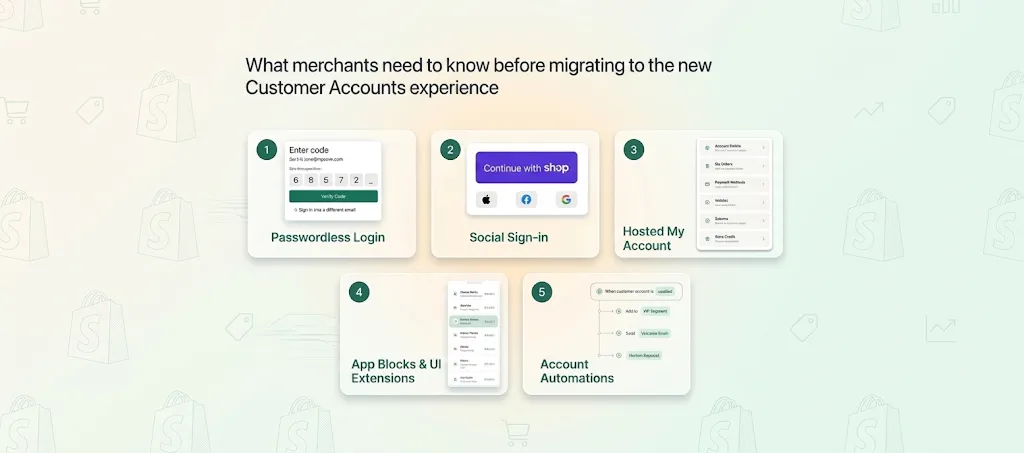
What You Unlock With The Latest Customer Accounts
Frictionless Sign-In Experience
Passwordless login with one-time codes, along with Shop Pay and social sign-in options.
Built-In Customer Features
Returns, store credit, subscriptions, order tracking, and reordering—handled directly within the account.
Centralized Account Experience
A single sign-in provides access to all account functionality and connected app features.
Ongoing Platform Updates
Customer accounts are managed independently from your theme, so new features roll out without theme changes.
Enterprise-Grade Extensibility
Extend customer accounts using apps, UI extensions, or custom integrations without relying on theme code.
Business Impact
What You Get With The New Standard
Reduced Authentication Friction at Scale
Reduce login-related support issues and improve access across customer touchpoints.
Lower Dependency on Custom Builds
Shift from maintaining custom features to leveraging native and app-based capabilities.
Faster Feature Adoption Across Teams
Roll out new capabilities without waiting on redevelopment or theme updates.
Reduced Maintenance and Technical Debt
Move to a model where Shopify manages updates, stability, and ongoing improvements.
Our Approach
We Handle the Migration Without Disruption
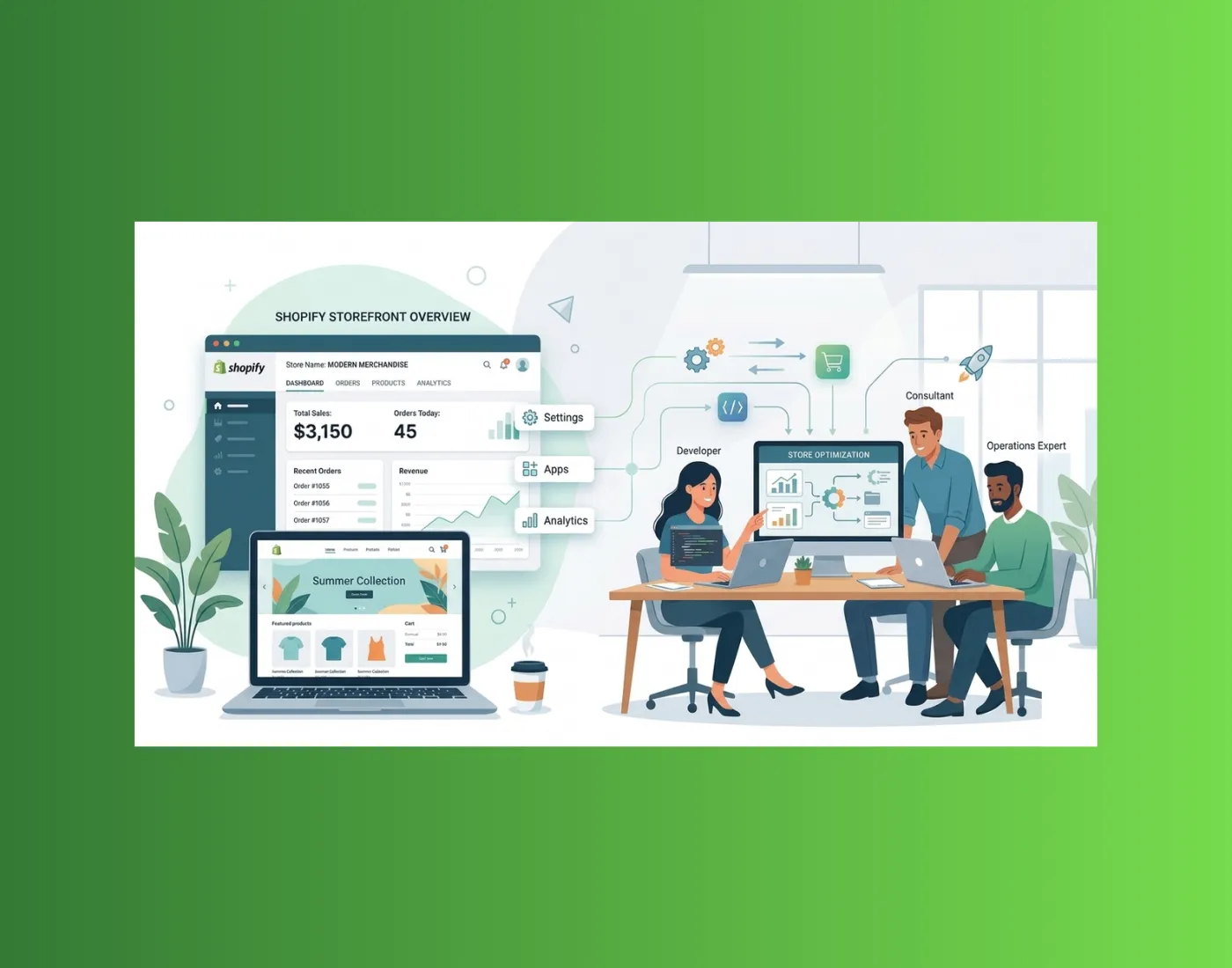
Migrate to Shopify’s new customer account model across custom storefronts, integrations, and enterprise workflows, without disruption to critical systems.
Migration Audit
Map dependencies, existing configurations, and system impacts to define a clear and controlled path forward.
Audit | Dependencies | RoadmapCustom Feature Adaptation
Refactor existing functionality and replace legacy customizations with app-based extensions and Shopify account web components aligned to the new framework.
Extensions | Theme | Custom CodeIntegration Continuity
Ensure APIs and third-party integrations continue to function correctly after the upgrade.
CRM | API | Third-partyPost-Migration Validation
Validate, refine, and stabilize the new account experience after launch.
UX | Performance | Sign-inThe Outcome
What You Get With Clouda
A Controlled Migration Strategy
A Clear Approach To Move From Legacy To The Latest Customer Accounts Without Disrupting Your Existing Setup.
Architecture-Aligned Implementation Path
Guidance Based On Your Setup Whether It’s Theme-Based, App-Driven, Or Fully Custom Using APIs.
A Future-Ready Implementation
Access To The Latest Shopify Capabilities Designed For Performance, Flexibility, And Long-Term Scalability.
End-To-End Execution Across Systems
Coordinate The Migration Across Integrations, Data Flows, And Custom Logic Without Disrupting Operations.
FAQ
Questions? We've Got Answers

Read The Shopify Guide
Learn:
• What changes when moving away from legacy accounts
• Which customizations and integrations may be impacted
• How app-based extensions replace legacy customizations
• What to review before upgrading your storefront experience
Understand what changes with Shopify’s new customer account experience and what to review before making the transition.
Learn:
• What changes when moving away from legacy accounts
• Which customizations and integrations may be impacted
• How app-based extensions replace legacy customizations
• What to review before upgrading your storefront experience
Understand what changes with Shopify’s new customer account experience and what to review before making the transition.
Read The Shopify Guide
Our Insights
Featured Resources
ARTICLE
Shopify Legacy Accounts Risk
ARTICLE
Shopify Legacy Accounts Risk
Shopify is retiring legacy customer accounts, and complex B2B migrations can disrupt logins, workflows, and connected systems without early planning.
ARTICLE
Shopify SMB Account Upgrade
ARTICLE
Shopify SMB Account Upgrade
Shopify is ending legacy customer accounts for SMB B2B stores, and delayed migration can cause login issues, workflow breaks, and customer friction.
ARTICLE
Shopify SI Account Migration
ARTICLE
Shopify SI Account Migration
Shopify is retiring legacy customer accounts, and for SI teams this impacts authentication, integrations, and delivery stability across B2B implementations.
Plan Your Customer Account Upgrade With Clouda
.webp)